Clock
A downloadable clock for Windows
Clock
A lightweight, customizable desktop clock widget.

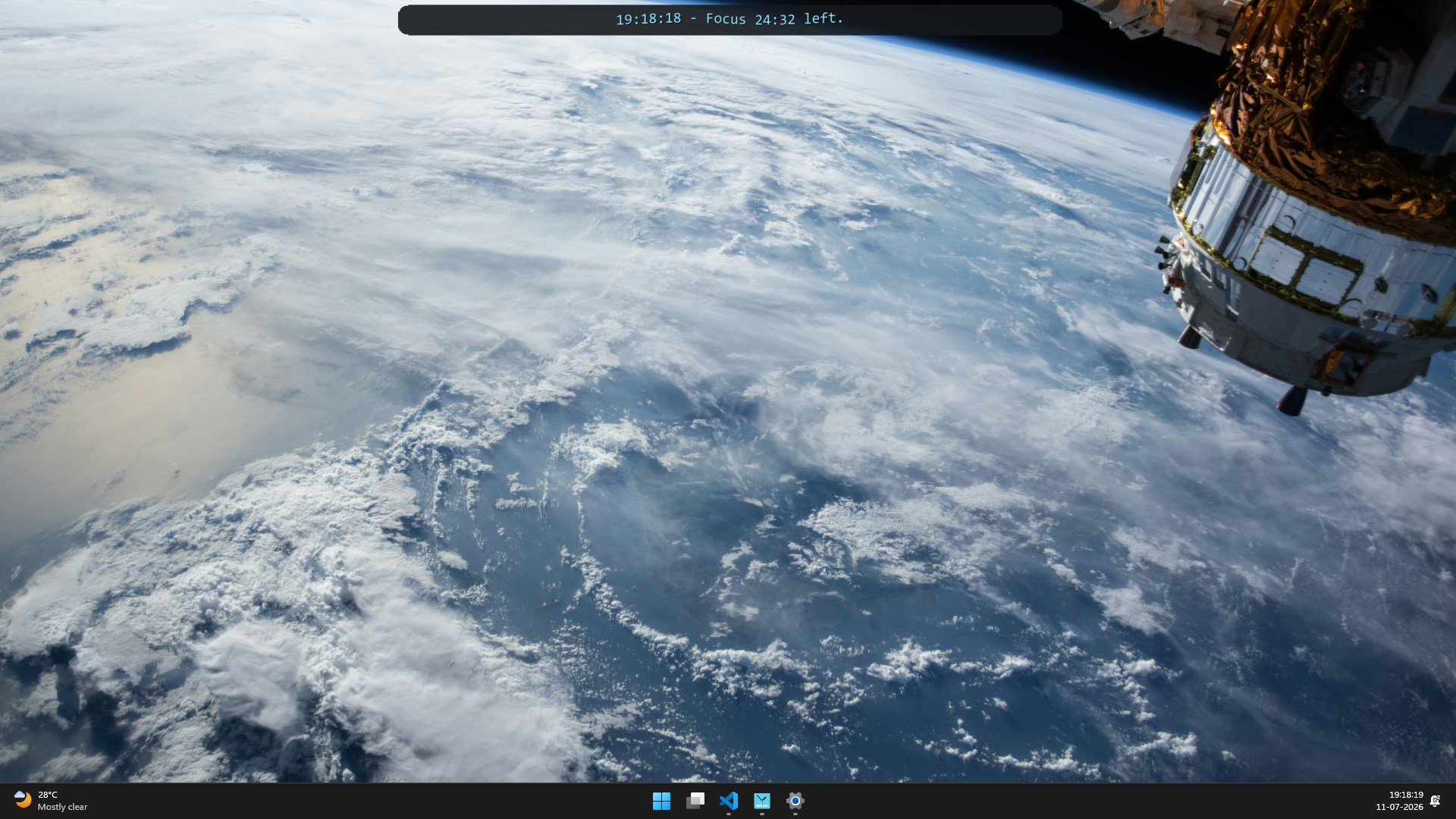
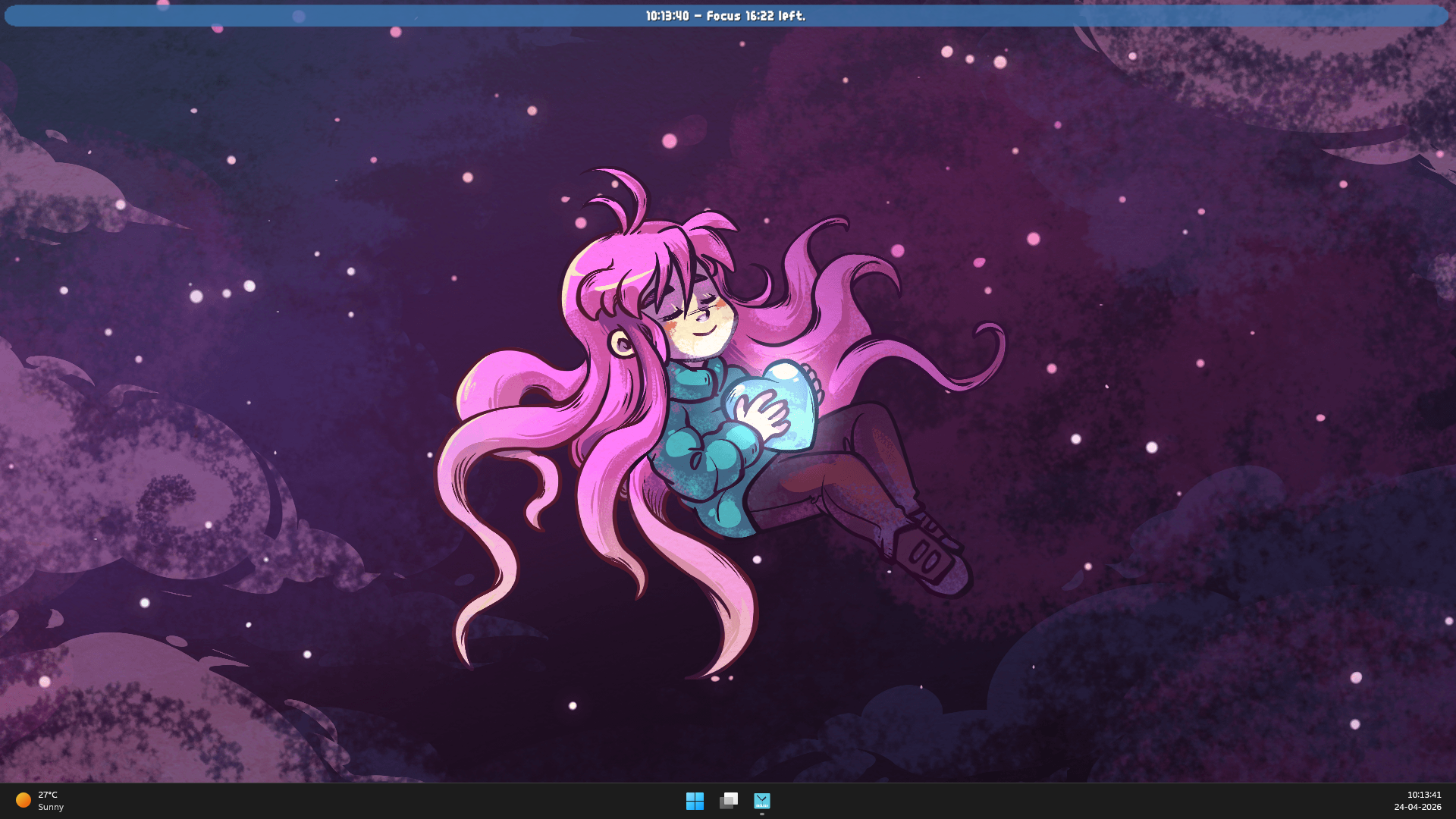
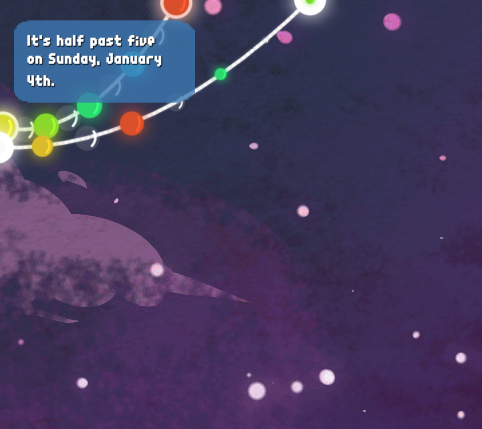
This desktop decoration rests on your desktop and tells you the time. It includes a word clock, compact digital clock, focus timer, and clock-time alarm. It has a small memory footprint and can be launched at startup if required.
Features
- Word clock, compact digital clock, and minimal analog clock modes.
- Six analog face presets with custom fonts, hand styles, marker shapes, smooth motion, compact time, and focus progress.
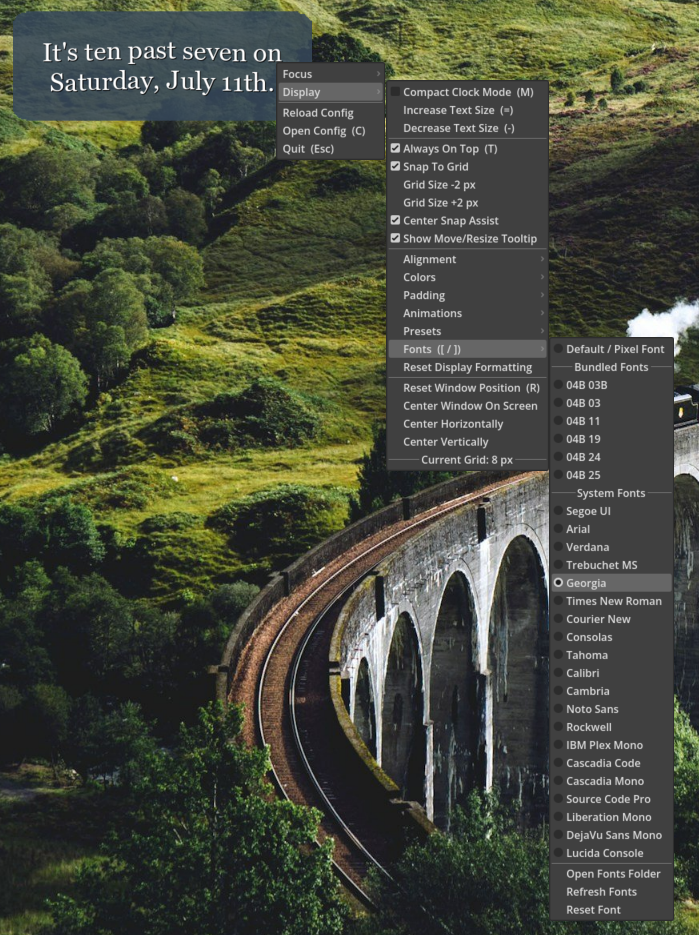
- Customizable fonts, colors, text size, alignment, padding, and animated text presets.
- Bundled pixel fonts, curated system fonts, and support for your own font files.
- Focus timer with duration preset and quick adjustments
- Alarm with a active indicator, dismiss, and five-minute snooze.
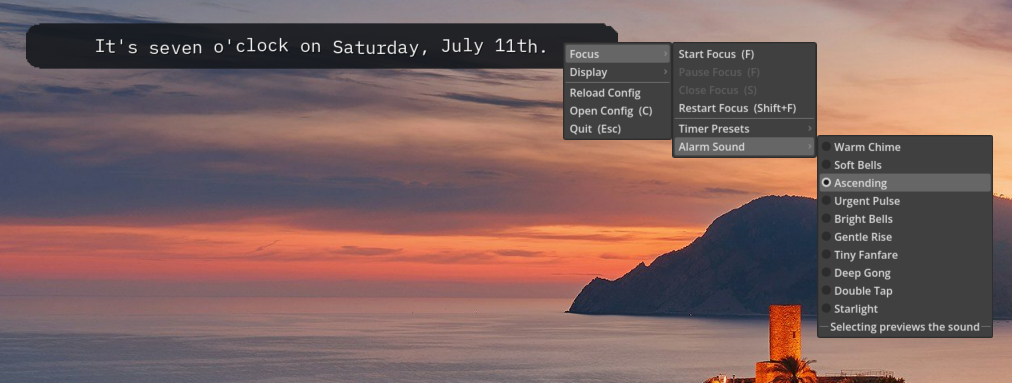
- Ten selectable completion sounds with configurable repeats, window flash, and taskbar attention.
- Always-on-top mode, grid snapping, center assist, and quick window-centering controls.
- Customize almost eveything via menus and a lot more through editable config file for deeper customization.
How to use
- Drag anywhere on the clock to move it.
- Resize from the right edge, bottom edge, or bottom-right corner.
- Right-click to open the main menu.
Keyboard shortcuts (click the app first so it has focus):
- = / -: Increase / decrease text size
- Esc: Quit
- T: Toggle always on top
- M: Toggle compact clock mode
- R: Reset window position to center
- C: Open config file and config help
- F: Start / pause / resume focus timer
- Shift + F: Restart focus timer
- S: Close focus timer
- Up / Down: Increase / decrease focus duration by 1 minute
- Left / Right: Previous / next animation preset
- [ / ]: Previous / next font
Display customization
- Switch between word, compact digital, and minimal analog clock modes.
- Change text size, text color, background color, text alignment, and padding.
- Choose bundled fonts, curated system fonts, or add custom font files.
- Enable animated text and choose from the included presets.
- Reset fonts, colors, alignment, padding, scale, and animations to their defaults.
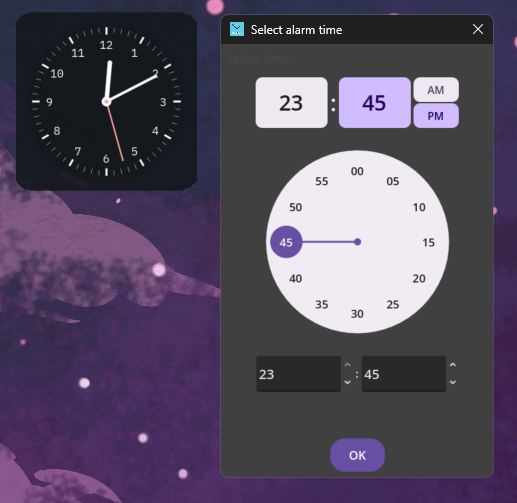
- Choose Minimal, Classic, Numeral, Bold, Technical, or Bare analog faces, optionally show compact time below the dial, or define named custom faces in the config.
Focus timer
- Preset durations from 5 to 60 minutes with quick minute adjustments.
- Ten selectable completion sounds with 1-5 repeats (2 by default).
- Optional window flash, taskbar attention, and raise-to-top behavior.
- Optional focus-state restoration after relaunching.
Alarm
- Set the alarm time with a circular click-and-drag picker or exact 24-hour numeric entry.
- The alarm runs independently from the focus timer and remains visible as
[A HH:MM]. - Dismiss the alarm or snooze it for five minutes when it rings.
- The alarm uses the selected sound, repeat count, flash, and attention settings.
Config file
The app saves its settings in a config file. Use C or the menu command to open it alongside a generated help document. Most editable values are under the [data] section.
Software Release Disclaimer
This software is provided “as is” without warranties of any kind, express or implied. While we strive for quality and reliability, we do not guarantee that the software will be error-free, uninterrupted, or fully secure.
Use of this software is at your own risk. We are not liable for any direct, indirect, or consequential damages, including data loss or system issues arising from its use.
Purchase
In order to download this clock you must purchase it at or above the minimum price of $3 USD. You will get access to the following files:
Development log
- Desktop Decorations: ClockJan 04, 2026
Leave a comment
Log in with itch.io to leave a comment.